The Ultimate Guide to SAST vs DAST vs Everything Else
The Ultimate Guide to SAST vs DAST vs Everything Else
Why SAST and DAST Are the Foundation of Modern Application Security
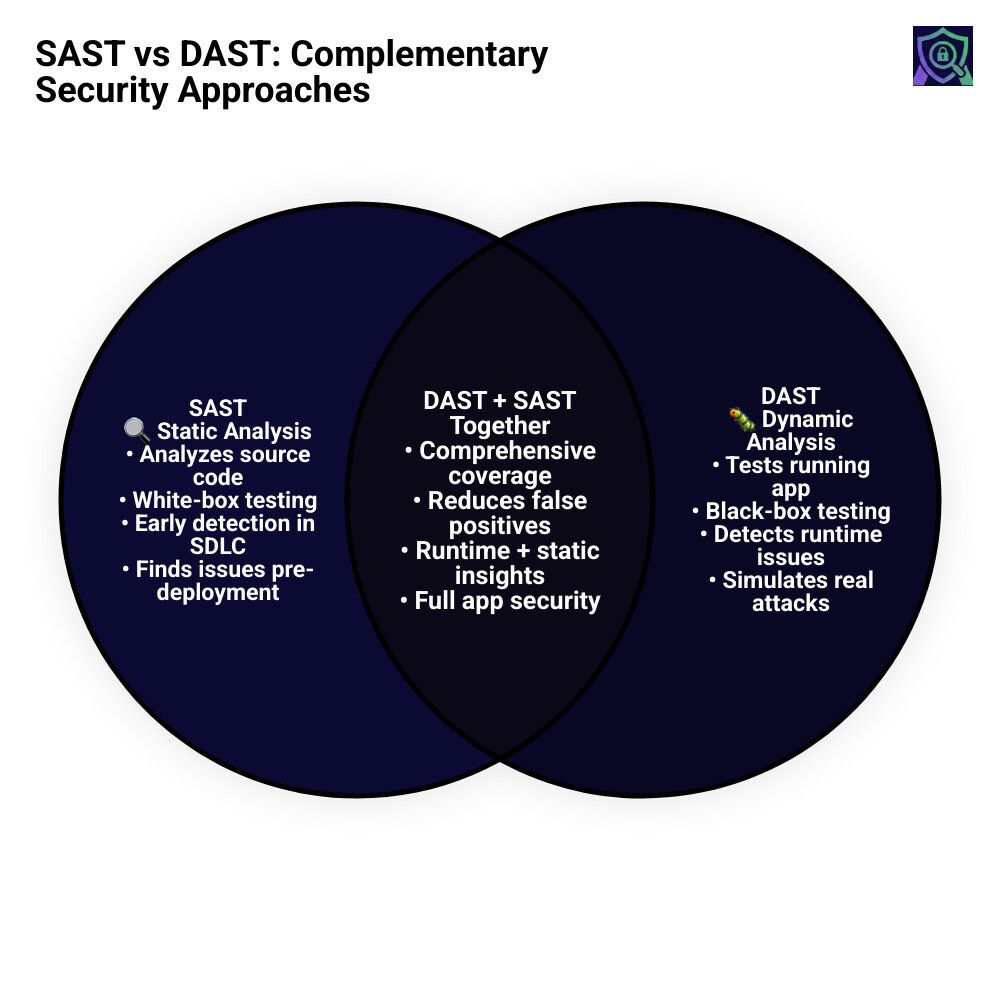
SAST and DAST are two core application security testing methods that work at different stages of software development. Here’s a quick breakdown:
| SAST | DAST | |
|---|---|---|
| Full name | Static Application Security Testing | Dynamic Application Security Testing |
| Testing type | White-box | Black-box |
| When it runs | During development (code at rest) | After deployment (app running) |
| What it needs | Source code access | Running application |
| Best for | Code-level flaws (SQL injection, hardcoded secrets) | Runtime issues (auth flaws, misconfigurations) |
| SDLC phase | Shift-left (early) | Shift-right (later) |
Research shows that 70% of applications have severe security gaps — and most breaches trace back to vulnerabilities that could have been caught with the right testing method at the right time.
The problem is that no single tool catches everything. SAST finds issues in your code before anything runs. DAST finds issues in your app while it’s running, from an attacker’s perspective. They cover different blind spots — and for a DevSecOps team moving fast, knowing which to use when is what separates a secure pipeline from a vulnerable one.
This guide covers how both methods work, where they fit in your SDLC, and how to layer them for real coverage.
I’m Zezo Hafez, an IT Manager with over 15 years of web development experience and certifications in AWS and Azure — I’ve helped teams navigate the exact trade-offs between SAST and DAST across complex cloud environments. Let’s break it all down clearly.
A Strategic Comparison of sast and dast Methodologies
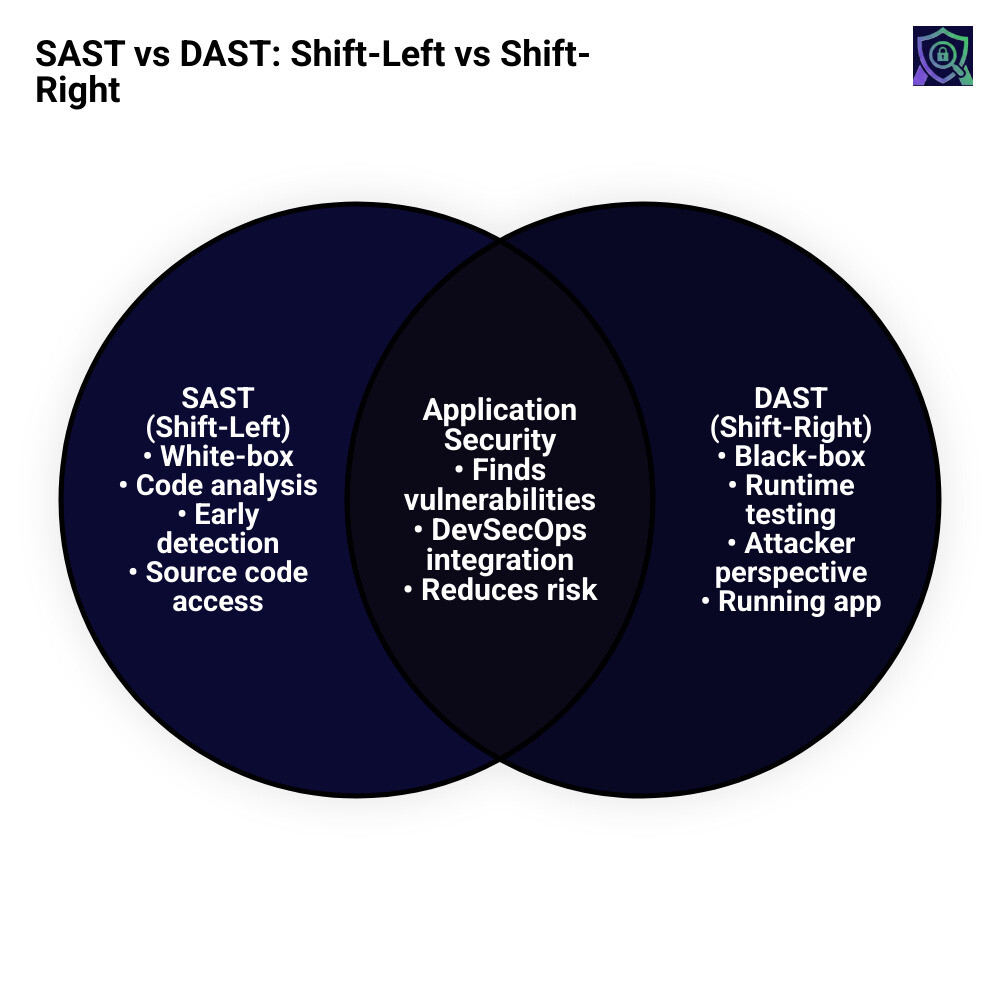
When we talk about securing an application, we often look at it from two perspectives: the inside out and the outside in. With the sheer variety of tools on the market today, it can be hard to determine which tool does what. To simplify things, we categorize these as “white-box” and “black-box” testing.
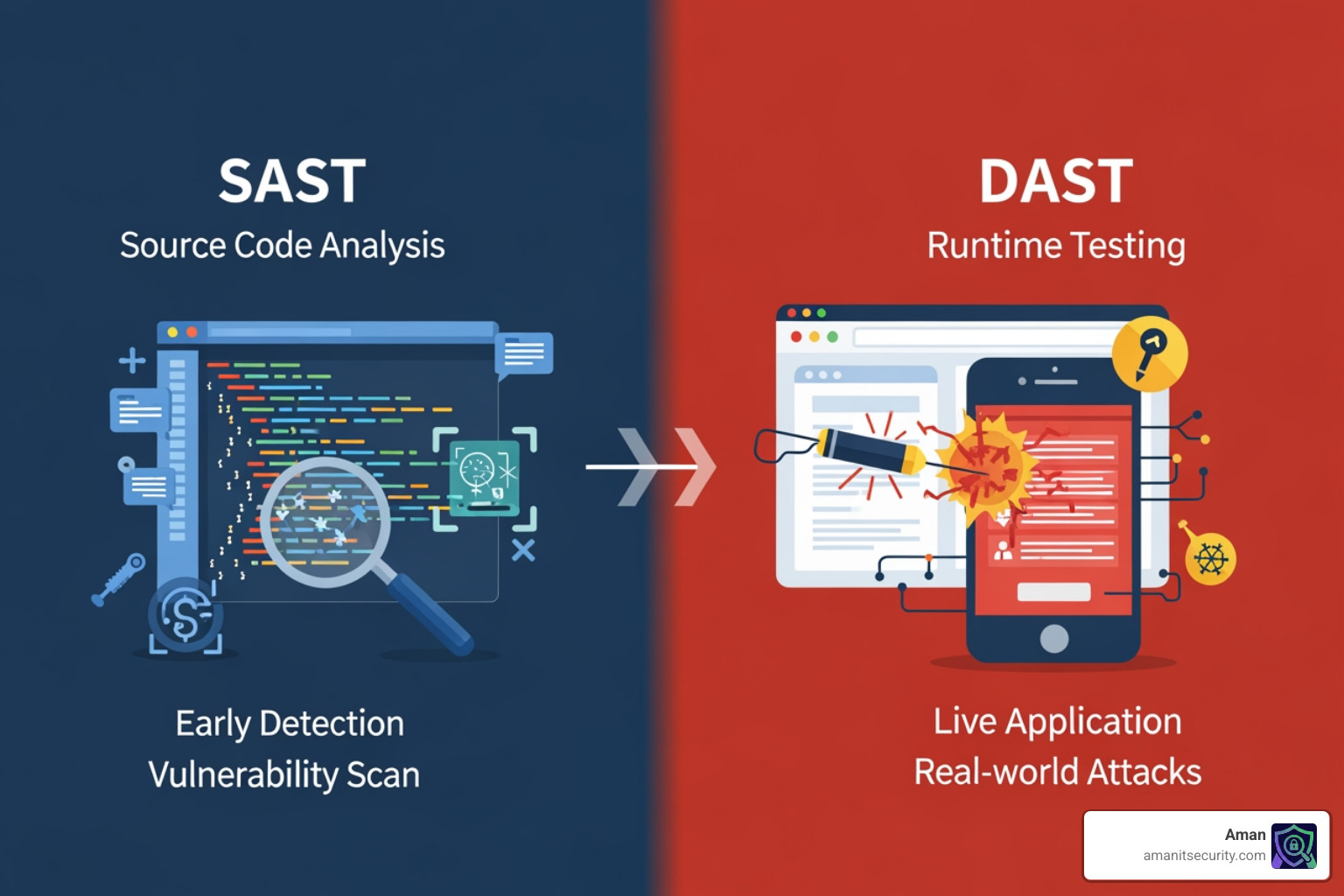
SAST (Static Application Security Testing) is our inside-out approach. It’s like a structural engineer inspecting the blueprints of a building before a single brick is laid. It looks at the source code, byte code, or binaries without actually running the program. This allows us to find flaws in the logic or syntax that could lead to a breach later.
DAST (Dynamic Application Security Testing) is the outside-in approach. Think of this as a “stress test” or a simulated heist. DAST interacts with the finished, running application to see how it responds to malicious inputs. It doesn’t care what language you wrote the code in; it only cares if it can break through the front door.
Both methodologies rely on industry benchmarks like the OWASP Top 10 and the SANS Top 25 to identify the most critical risks, such as SQL injection, cross-site scripting (XSS), and insecure configurations.
Core Strengths of Static Analysis
The primary superpower of SAST is its ability to “shift left.” Because it analyzes source code, we can run it as soon as a developer writes a single line. This early feedback loop is a lifesaver; fixing a bug during the coding phase is estimated to be up to 100 times cheaper than fixing it after the software has been deployed.
Modern SAST tools act like super-powered code linters, scanning for problematic patterns that violate security best practices. For example, if a developer accidentally leaves a hardcoded API key in a configuration file, SAST will flag it immediately. If you’re looking for the best way to automate this, check out The Ultimate Guide to Choosing an AI SAST Analysis Tool.
Core Strengths of Dynamic Analysis
While SAST is great at finding “theoretical” bugs, DAST finds “real-world” ones. DAST is also known as black-box testing because the tool has no knowledge of the underlying code. It treats the application exactly how a hacker would.
DAST excels at finding:
- Server misconfigurations: Issues that only appear when the app is deployed on a specific server.
- Authentication flaws: Problems with how users log in or how sessions are managed.
- Encryption issues: Checking if data is actually being protected while in transit.
One of the most powerful features of modern dynamic testing is authenticated DAST. This involves giving the scanner login credentials so it can test the “hidden” parts of your app—like the user dashboard or admin panel—to ensure that even logged-in users can’t bypass security controls.
Vulnerability Detection and False Positives
In sast and dast, the goal is to catch as many “true” vulnerabilities as possible. Unfortunately, 70% of applications still go to production with severe security gaps. To combat this, we use the CWE Top 25 list to prioritize what we look for.
A common technique used by DAST is input validation testing. We send “garbage” or malicious data—like a string of SQL commands—into a form field to see if the application crashes or, worse, executes the command.
Common vulnerabilities detected include:
- Injection Attacks: SQL, NoSQL, and OS command injections.
- Broken Access Control: Users accessing data they shouldn’t see.
- Cross-Site Scripting (XSS): Injecting malicious scripts into web pages.
- Insecure Deserialization: Flaws that allow attackers to execute remote code.
Managing Noise in sast and dast Results
If there is one thing that keeps security teams up at night (besides actual hackers), it’s “noise.” Noise comes in two forms: false positives (the tool says there’s a bug, but there isn’t) and false negatives (there’s a bug, but the tool missed it).
Research indicates that over one-quarter of security alerts are false positives. This is a massive drain on productivity, potentially adding more work for developers who have to manually investigate every single alert.
SAST tools are notorious for this because they lack “runtime context.” They might see a vulnerable function but not realize that the function is never actually called or that the input is already sanitized elsewhere. DAST generally has fewer false positives because it only reports issues it was actually able to trigger in a live environment. However, DAST can have more false negatives because it might not be able to find every hidden corner of a complex application.
Beyond the Basics: IAST, RASP, and SCA
While sast and dast are the heavy hitters, the modern threat landscape requires a few more tools in the belt. As applications move toward cloud-native architectures, limitations in traditional scanning become more apparent.
SCA (Software Composition Analysis): Did you know that an estimated 90% of modern applications use open-source code? In fact, open-source usage jumped 40% in just the last year. SCA tools scan your “ingredients list” (dependencies) to make sure you aren’t using a library with a known vulnerability (like the infamous Log4j).
IAST (Interactive Application Security Testing): This is the “hybrid” approach. IAST uses sensors or agents inside the application while it’s running. It combines the code-level visibility of SAST with the runtime reality of DAST. Because it sees the data flow inside the code while the app is being used, it has incredibly low false-positive rates.
RASP (Runtime Application Self-Protection): If SAST and DAST are the inspectors, RASP is the security guard. It lives inside the app in production and can actually block attacks in real-time. If it sees a SQL injection attempt, it can terminate the user session instantly.
For those looking to move beyond manual audits, we’ve reviewed 3 AI Security Audit Tools That Will Not Make You Nap to help you stay ahead of the curve.
Strategic Implementation in the SDLC
The days of the “Waterfall” model—where security only happened at the very end—are over. In the era of digital transformation, we need security to move as fast as development. This is the heart of DevSecOps (or SecDevOps, depending on who you ask).
The goal is to shift left, integrating security checks into every phase of the Software Development Lifecycle (SDLC).
- Plan/Code: Use IDE plugins to catch errors while typing.
- Build: Run SAST scans during every Pull Request (PR).
- Test/Staging: Run DAST and IAST against the staging environment.
- Production: Deploy RASP and perform regular automated penetration tests.
Best Practices for Integrating sast and dast in CI/CD
Automation is the key. If a security scan takes four hours to run, developers will find a way to skip it. We recommend:
- Incremental Scanning: Only scan the code that changed, not the whole million-line codebase.
- Breaking the Build: Set clear thresholds. If a “Critical” vulnerability is found, the code shouldn’t be allowed to merge.
- Developer Context: Don’t just give a developer a 50-page PDF. Give them the exact line of code and a suggestion on how to fix it.
This is especially important for specialized platforms. If you’re working on mobile tech, we’ve got a guide on How to Implement SAST for Mobile Apps Without Losing Your Mind.
Key Factors for Selecting sast and dast Tools
When we help organizations choose their stack, we look at several factors:
- Language Support: A SAST tool that doesn’t support Go or Rust is useless if your team is moving to those languages.
- Scalability: Can the tool handle hundreds of microservices?
- Compliance: Does it help you meet standards like the Health Insurance Portability and Accountability Act (HIPAA) for healthcare or the Payment Card Industry Data Security Standard (PCI DSS) for payments?
Frequently Asked Questions about Application Security
What are the main differences between SAST and DAST?
The main difference is that SAST (Static) looks at the code from the inside without running it, while DAST (Dynamic) tests the running application from the outside. SAST is “white-box” and technology-dependent (it needs to understand your programming language), while DAST is “black-box” and technology-independent (it only cares about the HTTP/network layer).
When should you use SAST versus DAST in the SDLC?
You should use SAST as early as possible—ideally during the coding and build phases—to catch logic errors and hardcoded secrets. DAST should be used once you have a running version of the app, typically in a staging or QA environment, to catch runtime issues and server misconfigurations that SAST simply cannot see.
Should teams use both SAST and DAST together?
Absolutely. Using only one is like wearing a helmet but no seatbelt. SAST catches the “how it was built” errors, while DAST catches the “how it actually behaves” errors. Together, they provide a layered defense that covers nearly 90% of automated security findings.
Conclusion
At the end of the day, securing your application isn’t about finding a “magic” tool; it’s about building a culture where security is part of the process, not an afterthought. By combining the deep-dive capabilities of sast and dast with modern practices like SCA and IAST, you can significantly reduce your attack surface.
At Aman Security, we believe that top-tier security shouldn’t be a bottleneck. We provide AI-powered automated penetration testing, SAST analysis, and vulnerability scanning that is designed for the speed of modern development. Our USP is simple: we offer blazing-fast, comprehensive, and free scans that provide instant AI explanations and actionable fix suggestions. We don’t just tell you what’s wrong; we show you how to fix it.
Ready to see where your application stands? More info about Aman services is just a click away. Let’s build something secure together.
Secure Your Apps with Aman
Put these mitigation steps into practice. Get professional-grade vulnerability detection in one place.
Launch Your First Scan Now