How to Use a Free Security Scanner Without Breaking the Bank
How to Use a Free Security Scanner Without Breaking the Bank
Why a Free Security Scanner Is Your First Line of Defense
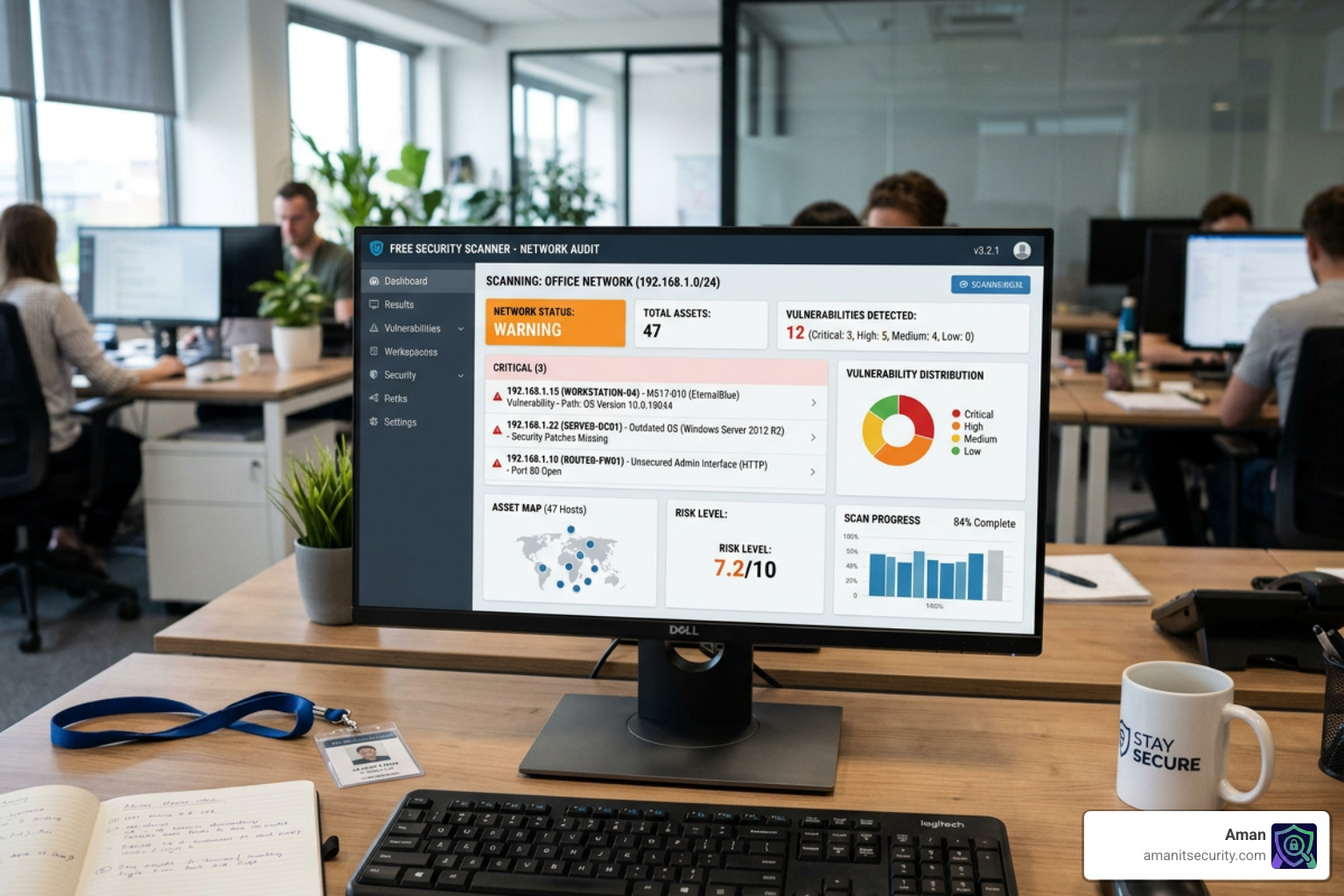
Free security scanners are tools that detect vulnerabilities, malware, and misconfigurations in your network, code, or infrastructure — at no cost.
Here are the most trusted free options, matched to common use cases:
| Tool | Best For | Platform Support |
|---|---|---|
| Nmap | Network discovery & port scanning | Linux, Windows, macOS |
| Trivy | Containers, Kubernetes, IaC | Linux, Windows, macOS |
| Qualys Community Edition | IT asset discovery & web apps | Cloud-based, no install |
| Vuls | Agentless Linux/FreeBSD scanning | Linux, FreeBSD |
| Snyk | Code & dependency scanning | IDE, CI/CD, Git repos |
| ClamAV | Malware & antivirus scanning | Linux, Windows, macOS |
| Nessus Essentials | Home/lab vulnerability scanning | Linux, Windows, macOS |
Security threats don’t wait for budget approval. Whether you’re a DevSecOps engineer juggling manual vulnerability scans or an IT admin trying to keep up with compliance, the good news is that powerful security tools don’t have to cost anything.
The challenge isn’t finding a free tool — it’s knowing which one fits your workflow and what its limits are.
I’m Zezo Hafez, an AWS and Azure certified IT manager with over 15 years of web development experience, and I’ve evaluated dozens of free security scanner options across cloud, code, and network environments. In this guide, I’ll walk you through the best free tools available so you can pick the right one and get scanning fast.
Top Free Security Scanners for Network and Infrastructure
When we talk about securing a perimeter, the first step is always visibility. You cannot protect what you cannot see. For decades, the industry standard for network discovery has been Nmap. It is a legendary free security scanner that uses raw IP packets to determine what hosts are available on a network, what services those hosts are offering, and what operating systems they are running.

Nmap is so ubiquitous that it is included in almost every major security-focused operating system, from Red Hat and Debian to FreeBSD and OpenBSD. In fact, it’s one of the top ten most downloaded programs in major repositories like Freshmeat.Net. To make it work effectively on Windows, it relies on Npcap.com, a packet sniffing library that recently hit its milestone 1.00 release.
If you are looking for something more focused on Linux-specific vulnerabilities without the headache of installing software on every single machine, Vuls is a fantastic alternative. It offers agentless scanning, meaning it connects to your target servers via SSH to perform its checks. This keeps the footprint small and the management centralized. For a broader look at your options, check out our guide on Free Security Scanning Tools: Your Guide to No-Cost Protection.
Getting Started with a free security scanner for Networks
For those who prefer a mouse over a command line, Nmap comes with Zenmap, a graphical user interface that makes it easy to visualize network topology. But the real power lies in the Nmap Scripting Engine (NSE). With over 170 scripts in stable releases, Nmap can do more than just “ping” a server; it can detect misconfigured databases or even find specific vulnerabilities.
A great starting point for advanced users is the command nmap -v -A targethost. This enables OS detection, version detection, script scanning, and traceroute. As noted in the Release Announcement for version 7.90, the tool continues to receive performance improvements and new signatures, ensuring it stays relevant against modern threats. Whether you are using Ncat for data transfer or Nping for packet generation, this suite is the “Swiss Army Knife” of network security.
Agentless Vulnerability Assessment with Vuls
Vuls is a game-changer for administrators managing large Linux or FreeBSD environments. Unlike traditional scanners that might bog down a system, Vuls is designed to be “agentless.” You set up one central machine, connect to your targets via SSH, and let it do the work.
It draws from high-quality databases like the NVD (National Vulnerability Database) and OVAL. One of its unique strengths is its ability to scan “non-OS packages.” This means if you have compiled your own software or are using specific language libraries, Vuls can check them against CPE (Common Platform Enumeration) data. For those who want a modern look, VulsRepo provides a web-based UI that lets you analyze results using pivot tables, much like Excel. You can follow the GitHub Tutorial to get your first scan running in minutes.
Best Free Security Scanner Options for Cloud and Containers
As we move our workloads to the cloud, the “assets” we scan change from physical servers to container images and Kubernetes clusters. This is where tools like Trivy and Qualys Community Edition shine.
Trivy has quickly become the favorite free security scanner for many developers. It is praised for its “all-in-one” approach, covering everything from vulnerabilities in OS packages to misconfigurations in Infrastructure as Code (IaC). In industry case studies, it has been highlighted as a market leader for its depth and ease of use. For those who need speed, we recommend reading about 8 Blazing Fast Security Analysis Tools That Move at the Speed of Light.
Scanning Containers and Kubernetes with Trivy
Trivy doesn’t just look for CVEs (Common Vulnerabilities and Exposures); it looks for the “human” mistakes. It can detect hardcoded secrets (like API keys) and misconfigured Kubernetes manifests. It also generates SBOMs (Software Bill of Materials), which are becoming a standard requirement for supply chain security.
As mentioned in the Harbor blog, Trivy takes container scanning to a higher level of performance. It is incredibly easy to integrate into CI/CD pipelines, ensuring that every time you build a binary artifact or a container image, it is checked for flaws before it ever reaches production.
Is a free security scanner Enough for Enterprise Security?
This is the million-dollar question. Tools like Nessus Essentials and Qualys Community Edition offer enterprise-grade scanning engines for free, but they come with strings attached.
- Nessus Essentials: Perfect for a home lab or a very small network, but it is limited to scanning 16 IP addresses.
- Qualys Community Edition: This cloud-based tool is excellent because it requires no installation. It allows you to scan up to 16 internal assets and 3 external assets indefinitely. It even includes web application scanning for one URL, covering the OWASP Top 10 (like SQL injection and XSS).
While these are powerful, the asset limits mean they can’t cover a growing company’s entire footprint. For a deeper look at how to scale these efforts, see The No-Stress Guide to Vulnerability Assessment Automation.
Securing Your Code with Free Application Scanners
Security shouldn’t start when the code is finished; it should start while the code is being written. Modern “Shift Left” security tools like Snyk and Aikido integrate directly into the developer’s workflow.
These tools use Static Application Security Testing (SAST) to find bugs in your source code. If you’re interested in how AI is changing this landscape, check out 3 AI Security Audit Tools That Will Not Make You Nap.
Real-Time Code Scanning in Your IDE
Imagine writing a line of code and immediately seeing a red squiggle—not because of a syntax error, but because you’ve introduced a security flaw. Snyk and Aikido offer free extensions for VS Code and JetBrains IDEs that provide real-time CVE analysis.
These extensions don’t just point out the problem; they often provide “inline fixes” or AI-powered advice on how to rewrite the code securely. This is especially helpful for catching secrets like database passwords before they are accidentally committed to a Git repository.
Open-Source Antivirus with ClamAV
While SAST looks at your code, you still need to protect your files. ClamAV is the open-source standard for antivirus engines. It is a high-performance, multi-threaded daemon used extensively for scanning mail gateways to catch trojans and viruses.
With automatic signature updates and support for almost every archive format (like Zip, Tar, and Gzip), ClamAV is a must-have for any server handling user-uploaded content. You can find the latest source code on ClamAVNet or GitHub.
How to Choose the Right free security scanner for Your Needs
Choosing the right free security scanner depends entirely on what you are trying to protect.
| Feature | Nmap | Trivy | Qualys | Snyk |
|---|---|---|---|---|
| Primary Use | Network Mapping | Containers/IaC | Asset Inventory | Code/SAST |
| Setup | Local Install | CLI/Pipeline | Cloud-based | IDE/CLI |
| Asset Limit | Unlimited | Unlimited | 16 Assets | Project-based |
| Skill Level | Intermediate | Advanced | Beginner | Beginner |
Comparing Open-Source vs. Community Editions
It is important to understand the difference between “Open-Source” and “Community Edition.”
- Open-Source (Nmap, Trivy, Vuls, ClamAV): These are usually released under permissive licenses (like Apache 2.0 or GPL). They have no asset caps and are supported by a vibrant community. You get the full power of the tool, but you are responsible for the manual configuration.
- Community Editions (Qualys, Nessus, Snyk): These are “freemium” versions of expensive enterprise software. They are often much easier to use (GUI-based) but come with asset limits or feature gating.
Best Tools for Beginners vs. Professionals
If you are a beginner, we recommend starting with HouseCall by Trend Micro. It is a simple, free “point-and-click” scanner that checks for viruses and malware without interfering with your existing antivirus. For those looking for a more professional but accessible suite, Pentest-Tools.com offers a web-based platform that simplifies complex penetration testing tasks.
Frequently Asked Questions about Free Security Scanners
What are the main limitations of using a free security scanner?
The biggest hurdles are usually asset quotas and manual effort. Free versions of enterprise tools (like Nessus) strictly limit the number of IPs you can scan. Open-source tools are unlimited but often require high technical proficiency to set up and lack 24/7 support.
Can free scanners be integrated into CI/CD pipelines?
Absolutely. Trivy and Snyk are built specifically for this. You can add them as a step in your GitHub Actions or GitLab CI to automatically block any deployment that contains high-severity vulnerabilities. This ensures real-time analysis without slowing down your release cycle.
Which free scanner is best for web application security?
Qualys Community Edition is a top contender here. It allows for unlimited scans of a single URL and checks for the most dangerous exploits, including SQL injection and Cross-Site Scripting (XSS). It provides a unified threat assessment that is hard to beat for a free tool.
Conclusion
At Aman Security, we believe that security should be accessible to everyone, regardless of their budget. While a free security scanner is a vital first step, keeping up with modern threats requires a proactive approach. We provide AI-powered automated penetration testing, SAST analysis, and comprehensive vulnerability scanning for both applications and infrastructure.
Our USP is simple: we offer blazing-fast, comprehensive scans that don’t just find problems—they explain them with instant AI-driven fix suggestions and provide professional-grade reports. If you’re ready to take your security to the next level beyond free tools, explore more info about Aman services and see how we can help you stay protected.
Secure Your Apps with Aman
Put these mitigation steps into practice. Get professional-grade vulnerability detection in one place.
Launch Your First Scan Now